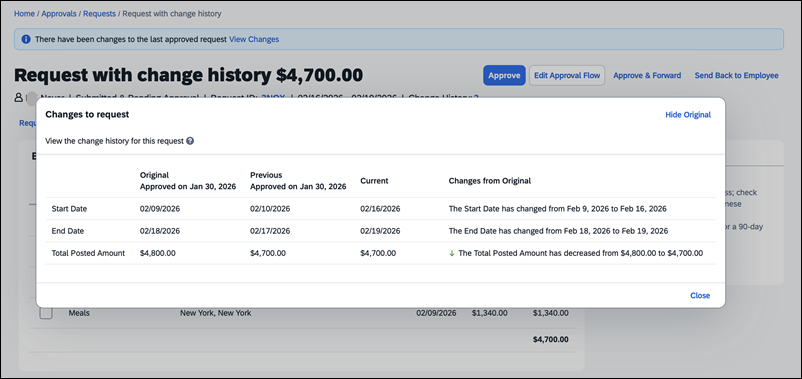
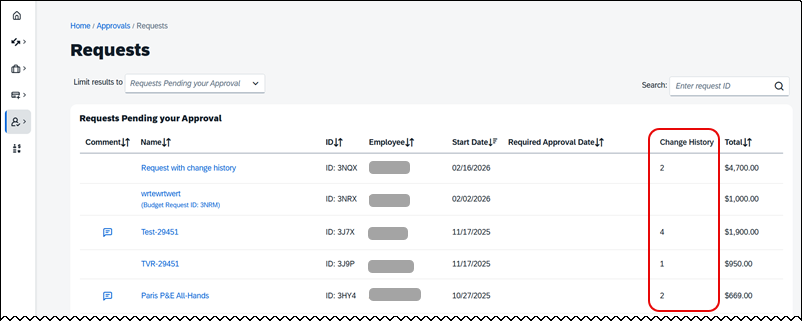
When a previously-approved travel request is returned to the user by an approver or the Travel office, or if it is recalled after approval, changes to the request are tracked and saved to the Change History log. This way, when the travel request is submitted again, approvers can view the change history to easily determine what has changed since the last time they approved it.
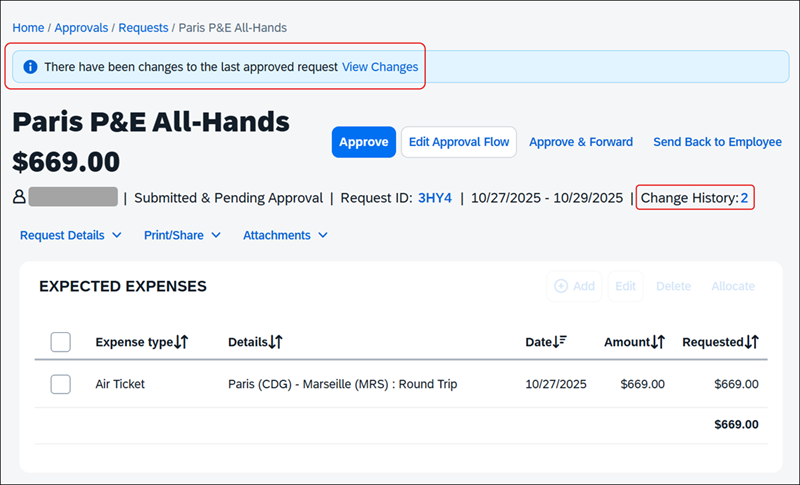
The travel request will display a message reading "There have been changes to the last approved request" with a link to view those changes. The travel request will also show the change history count and a link to view the change history below the request title, next to the request date range.